How to repurpose blog posts for social media
A practical way to repurpose blog posts for social media: split a post into single ideas, rewrite each for its platform, and schedule them over weeks.
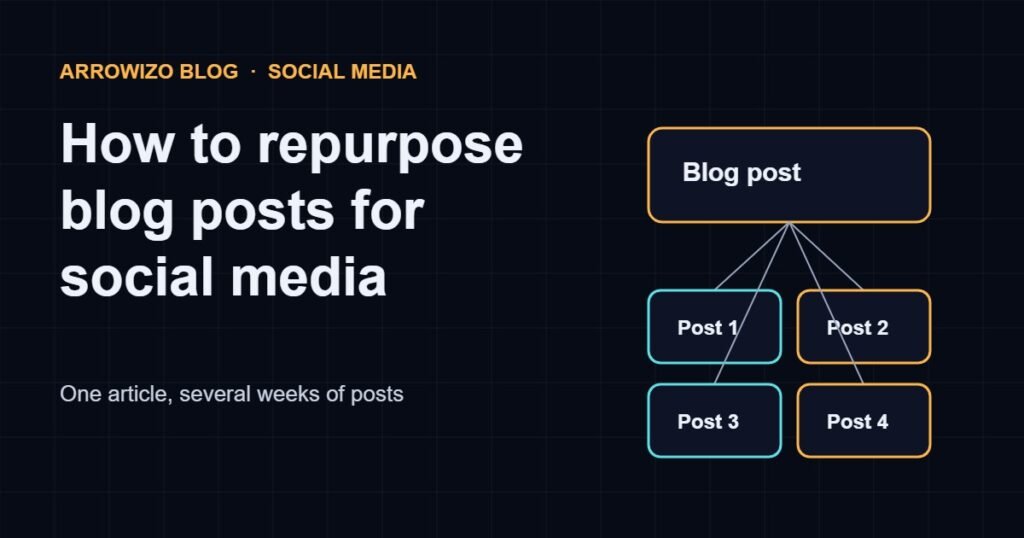
A blog post can take several hours to write and then get a single share on the day it goes live. Yet a 900 word post usually holds six or seven separate ideas under one title, and each of them can carry its own social post. To repurpose blog posts for social media, you take those ideas out one at a time and rewrite each for the place where it will be seen.
List the ideas inside the post
Read the published post and write down every idea that makes sense on its own. A comparison counts, and so does one step in a process, a common mistake, or an answer to a question customers ask you. Each item on that list becomes one social post. Keep every idea whole. Cutting a paragraph in half and pasting it into a caption leaves readers with a fragment.
Take our post on whether a new store should start with Meta ads or Google ads. One idea in it is that people who already search for a product are easier to reach through Google. Another is that a small budget split across two platforms gives neither enough data to learn from. Those are two different posts, and neither needs the rest of the article to make sense.
Rewrite for each platform
The same idea needs a different shape on each network. On LinkedIn, a short text post that opens with the point and adds one example tends to fit what people expect to read. On Instagram, a carousel with one point per slide works well for a list or a process. A Pinterest pin needs a plain title that says what the linked page teaches, and the pin should link to the blog post itself.
Whatever the platform, put the point in the first line. Then check the details before anything goes out: the hashtags, the length, the link, and whether the post still reads correctly without the article beside it.
Send readers back to the post
Each social post should lead somewhere useful. That place is the article, and from the article a reader can reach the service pages if they want help. A post about being found in AI answers, for example, sits naturally next to our guide on getting recommended by ChatGPT and Google AI answers and our SEO, AEO and GEO services. The blog post also keeps working in search long after the social post has scrolled out of sight, which is why the article deserves the effort before the repurposing starts.
Spread the posts over several weeks
Publishing all seven posts on launch day uses up the material. Put one out when the article goes live and space the rest across the following weeks. Posts that do not depend on a date, such as a how-to or a checklist, can come back a few months later with a new opening line. Not everyone who follows you sees any given post, so a repeat reaches people who missed it the first time.
Keep a person in the loop
Drafts need a reader who knows the business, whether you wrote them or a tool did. That person checks the facts, the tone, any claim about results, and the link. If you plan to automate part of this, keep an approval step in place for anything customer-facing.
That is how Arrowizo Social is set up. It drafts posts in your brand voice for each platform, and nothing is published without your approval unless you switch on auto-publishing for routine posts. It can also publish blog-to-social shares from your site’s feed and repost evergreen content on a schedule you set. Quora is handled differently, because automatic posting there is not supported: we draft each answer and email it to you, and you copy and post it yourself, which takes about a minute.
A routine you can repeat
- Publish the blog post and check that it reads well on a phone.
- List the standalone ideas inside it.
- Write one post per idea for each channel you use, with the point in the first line.
- Schedule them over the next few weeks, with the date-independent ones marked for a later repeat.
- After a month, look at which posts sent readers to the article and repost those first.
If you would rather hand this over, contact us and we will reply within 1 business day. Brand and channel setup for Arrowizo Social takes about 10 minutes, and the first week of posts reaches your approval queue within 2 business days.